In this article
What an AI video team actually does
You have the customer stories. The useful advice. The answers people ask you for every week.
Getting those ideas onto YouTube takes another set of skills: choosing an angle, writing a title, planning the edit, reviewing the video, and finding the moments worth sharing again. You can give AI a role in each step, while keeping a person responsible for what reaches your audience.
Think of this as a production process you can assemble. Your AI assistant prepares options, briefs, and supporting copy. A video editor makes the cuts and exports. You approve the message, the accuracy, and the final experience. Connected editing tools may take on more execution, but that depends on the specific integration and permissions you have actually configured.
The following workflow is a recommended starting point for a founder, small agency, or marketing team. It does not require five separate AI agents or an elaborate automation platform.
1. Start with a customer question and a useful next action
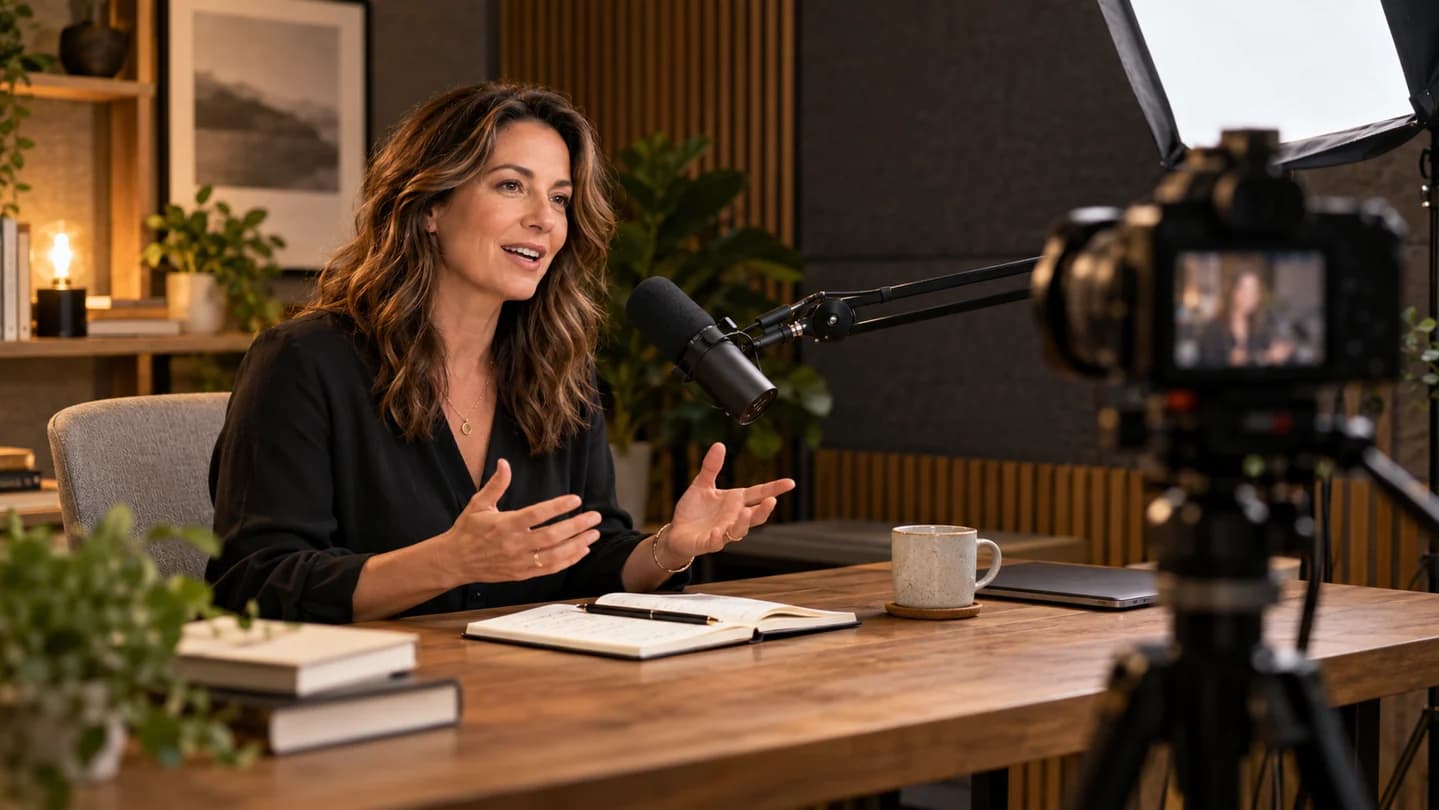
Record a useful answer to a question your customers actually ask. Include an example, explain your thinking, and give the viewer something they can do. A narrow question is easier to answer convincingly than a broad topic such as “everything about marketing.”
For an illustrative service-business video, the question might be: “Why do visitors leave my service page without enquiring?” The recording could show how to check the offer, proof, and enquiry step. The next action might be completing a short website audit.
Before recording, write a brief with six fields: intended viewer, question, useful takeaway, evidence or demonstration, next action, and claims to avoid. Give AI real approved material, such as your own notes or an anonymized example. Treat ideas inferred from that material as hypotheses, not customer research.
Recording tip: test a short sample for sound, lighting, and framing. Record one section at a time, leave a little silence between takes, and keep your face and important demonstrations in a position that can survive a vertical crop. Capture clean screen recordings separately when the explanation depends on small interface details.
2. Plan the title and thumbnail before the edit
Give your AI assistant the transcript, your audience, and the problem you are solving. Ask for three distinct title and thumbnail concepts. Choose a promise the recording can deliver. A transcript with timestamps is particularly useful because suggested edits can refer to the original footage.
Use different editorial angles rather than three near-identical headlines. For the service-page example, one angle could diagnose a problem, another could demonstrate a review process, and a third could explain a common mistake. Each option should attract the intended viewer without exaggerating what the video proves.
Using this transcript and audience brief, propose three title and thumbnail concepts. For each, explain the viewer question, the promise, and the passage that supports it. Describe a simple visual and optional short thumbnail text. Flag any concept that needs footage or evidence we do not have. Do not invent results, urgency, or a case study.
Thumbnail tip: check the concept at small size. Give it one focal point. Use contrast and a clear visual idea; avoid filling the image with a miniature slide deck. If the title names the problem, the thumbnail can show the situation instead of repeating every word.
3. Turn the transcript into an editing brief
A useful editing brief tells someone what to do and why. Ask for a stronger opening, suggested cuts, useful on-screen explanations, and sections that need a demonstration. Keep the timestamps tied to the original source until an edited version has its own timeline.
Review the first 30 seconds yourself. Start with the customer situation and the value of watching. Show a concrete example early when possible. A long biography, logo animation, or list of housekeeping notes can delay the explanation the viewer came for.
| Brief field | What to include |
|---|---|
| Source range | Existing in and out timestamps from the transcript |
| Requested action | Keep, trim, move, replace, or record again |
| Reason | Repetition, unclear explanation, missing context, or useful proof |
| Visual support | Screenshot, demonstration, caption, or simple example |
| Review question | What a person must confirm in the actual footage |
Transcripts cannot establish everything visible or audible in a video. Watch for awkward jump cuts, distracting noise, incorrect screen content, and changes that remove an important qualification. AI suggestions are an editing plan to inspect.
4. Review with precise, version-specific feedback
“Move the example at 02:15 into the opening” gives your editor a clear action. “Make it more engaging” leaves too much interpretation. Attach each note to a named version, a timestamp, the requested change, and its priority.
For example: “Version 2, 00:18–00:31: shorten the repeated setup. Keep the sentence explaining who this advice applies to. The opening should reach the example sooner.” These are illustrative timestamps, not instructions for an existing recording.
A shared document or spreadsheet is enough for an initial review board. Use columns for version, timestamp, note, owner, and status. If your editing platform supports comments on the timeline, use them and still distinguish the source timeline from later cuts.
Team tip: consolidate stakeholder feedback before sending it to the editor. Assign one person to resolve contradictory notes. After revisions, watch the exported file, including its opening, ending, captions, and call to action.
5. Give the strongest ideas another audience
Choose moments that make sense on their own. A useful short usually has a recognizable problem, a specific explanation, and a payoff. A dramatic sentence without the qualification that follows may make a misleading clip.
Ask AI to propose a shortlist, then evaluate the actual footage. Check whether the viewer knows what “this,” “that,” or “they” refers to. Add a brief introduction or decline the clip when the missing context cannot be restored cleanly.
Adapt the same idea to the destination. A short video can demonstrate one fix. A LinkedIn post can explain the decision behind it. An email can connect the lesson to a common customer question and link to the full video. Each piece should be useful even if someone never sees the others.
Caption tip: manually check names, specialist terms, numbers, and negations. Keep captions away from faces and important screen details, and preview the vertical export on a phone.
6. Build a handoff your team can repeat
Keep the brief, source recording, transcript, editing notes, approved titles, image assets, and exports together. Name versions consistently and distinguish a working file from an approved final. Keep a clean master export so you can create other formats without repeatedly compressing an already compressed clip.
A practical ownership model is simple: the founder or subject expert owns the truth of the advice; the producer owns scope and deadlines; the editor owns execution; one reviewer approves publication. In a small business, the same person may fill several roles.
Begin with one complete cycle before connecting automation. Once the process works, consider automating file routing, draft creation, or review reminders. Keep external publishing behind an explicit approval until you have tested the failure cases and know how to stop or correct the workflow.
7. Measure useful output and the effort behind it
Record time spent preparing, editing, reviewing, and correcting each video. Compare the total effort with your previous process. Faster first drafts are less useful if they create a larger review burden.
After publishing, examine click-through rate, audience retention, and relevant next actions. Compare similar videos at the same age and note differences in topic, traffic source, and audience. A higher number alone does not tell you which production change caused it.
Track enquiries with a consistent campaign link and ask new prospects what helped them decide to contact you. Record what you can observe and what remains uncertain. Use the findings to choose one improvement for the next recording.
A final publishing checklist
- The title and thumbnail accurately describe the video.
- The opening reaches the useful material promptly.
- Examples, claims, and on-screen details have been checked.
- Music, footage, and customer material are cleared for this use.
- Captions and mobile crops have been reviewed.
- The call to action and destination link work.
- One named person has approved the final export.
The result you are working toward is a repeatable process that gets your expertise out of the recording folder and in front of potential customers.
Want help building that process? Explore an AI Working Session with Waymaker. Bring one recurring content task so we can discuss a practical workflow around it. For broader production needs, explore creative and content production.
Common questions
Do I need five separate AI agents?
No. Start with separate planning and review passes in one conversation. Separate agents become useful only when the handoffs and responsibilities are clear.
Can I upload a recording and expect a finished edit?
That depends on the tools and integrations you have configured. This guide uses a transcript for planning and a video editor for cuts and exports. Check your actual setup before promising automated editing.
Sources and further reading
Want this applied to your business? The Growth Fix is one fixed-price session to find where your customers drop off and fix the part that matters most.